
The Microsoft Teams Accidental Quit Fix Your Team Will Appreciate
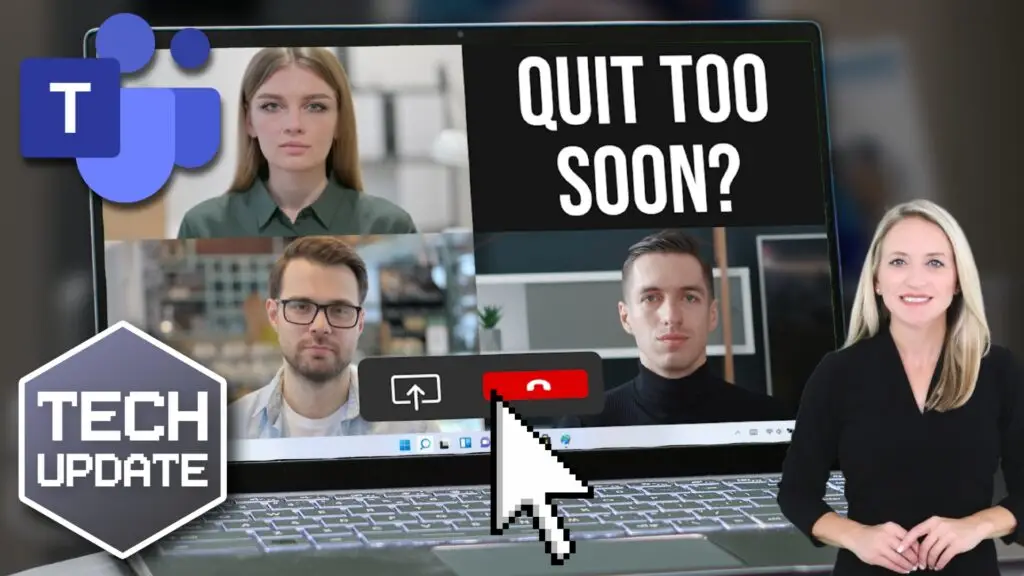
It has happened to almost everyone who uses Microsoft Teams for business meetings. You reach for the Share button to pull up a presentation, you click slightly off target, and suddenly you are staring at your desktop while the rest of the call keeps going. The Microsoft Teams accidental quit fix addresses exactly this problem, and it is already rolling out to desktop users automatically.
Microsoft moved the Quit option out of the main cluster of meeting controls and tucked it into the system tray. That is the small area near the clock in the bottom-right corner of your Windows screen. The logic is simple. When you are clicking quickly between controls in a live meeting, having Quit right next to Share and other actions is a recipe for embarrassment. Moving it to a less trafficked spot means you are far less likely to leave by accident.
Your IT team does not need to do anything to enable this. It is live for desktop users already.
A Setting That Adds an Extra Layer of Protection
The update does not eliminate every mis click risk entirely. If you aim for Leave and hit it, you can still drop out. But there is a setting inside Teams that most people have never turned on. Go to Settings, then General, and enable the confirmation prompt before leaving a meeting. That small extra step, the “Are you sure?” check, gives you a second chance before you disappear mid-conversation.
Microsoft is also rolling out the option to hide the meeting toolbar entirely during calls. That means a cleaner screen with more room for content, which matters when you are presenting or sharing documents with a client.
These updates are not dramatic on their own, but they reduce friction in the moments that matter most. Fewer awkward exits; more polished meetings; less time spent rejoining calls and explaining what happened.
If you want to know about other small but high-impact Teams features for your business, the Amicus IT team is happy to walk you through them. Get in touch and let us help you get more out of the tools you already use.